



Stop Generator Disasters: Use Backup Power Safely During Any Storm
Difficulty: Moderate
Time: 30 minutes preparation + ongoing safe operation
Cost: ~$25 for safety equipment (CO detector, outdoor extension cords)
Why You'll Need This
When the power goes out, your generator becomes a lifeline—but only if you use it right. Between 2011 and 2021, at least 814 people in the U.S. died from carbon monoxide poisoning associated with portable generators, according to the U.S. Consumer Product Safety Commission (CPSC). Here's how to keep your family safe while keeping the lights on.
What You'll Need
Safety Equipment
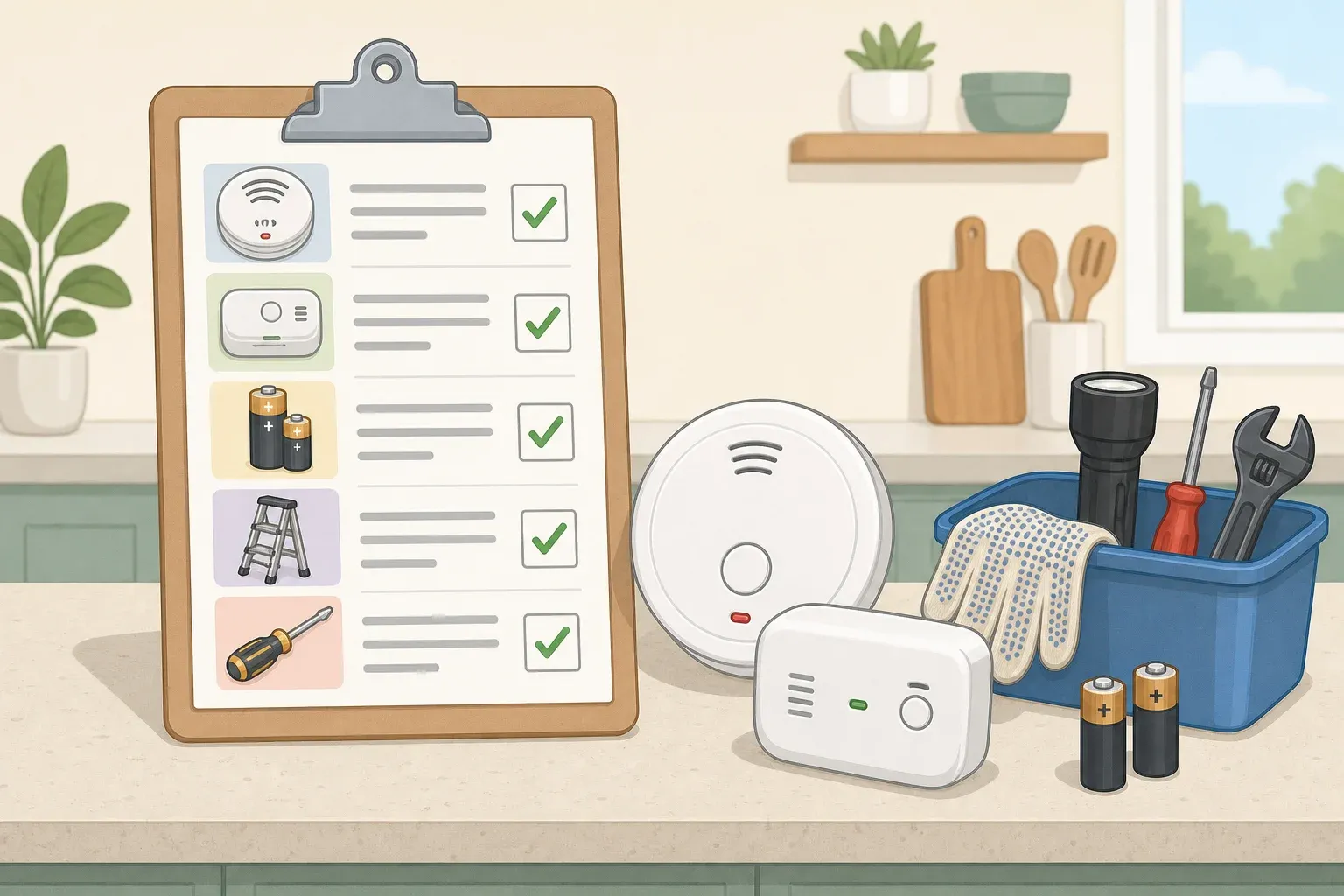
Battery-operated carbon monoxide detector
Heavy-duty outdoor extension cords (12 AWG minimum)
ABC-rated fire extinguisher
Setup Materials
Concrete pad or wooden platform (4×4 ft minimum)
Approved fuel containers (5-gallon capacity)
Fuel stabilizer
Work gloves
Tools
Measuring tape
Level
Funnel for refueling
Safety First
Install CO detectors now: At high concentrations, carbon monoxide can incapacitate or kill within minutes; severity depends on concentration and exposure timeNever operate indoors or in garages: Even with doors and windows open, these locations remain dangerous
Water and electricity don't mix: Handle generators only with completely dry hands
Steps
Before the Storm Hits
Test your generator monthly. Run it for 15 minutes with a small appliance connected (like a shop light).
Check your owner's manual and locate it online if missing. Review owner's manuals so equipment is operated safely.
Tip: Download a PDF copy to your phone—you'll have it even when power's out.
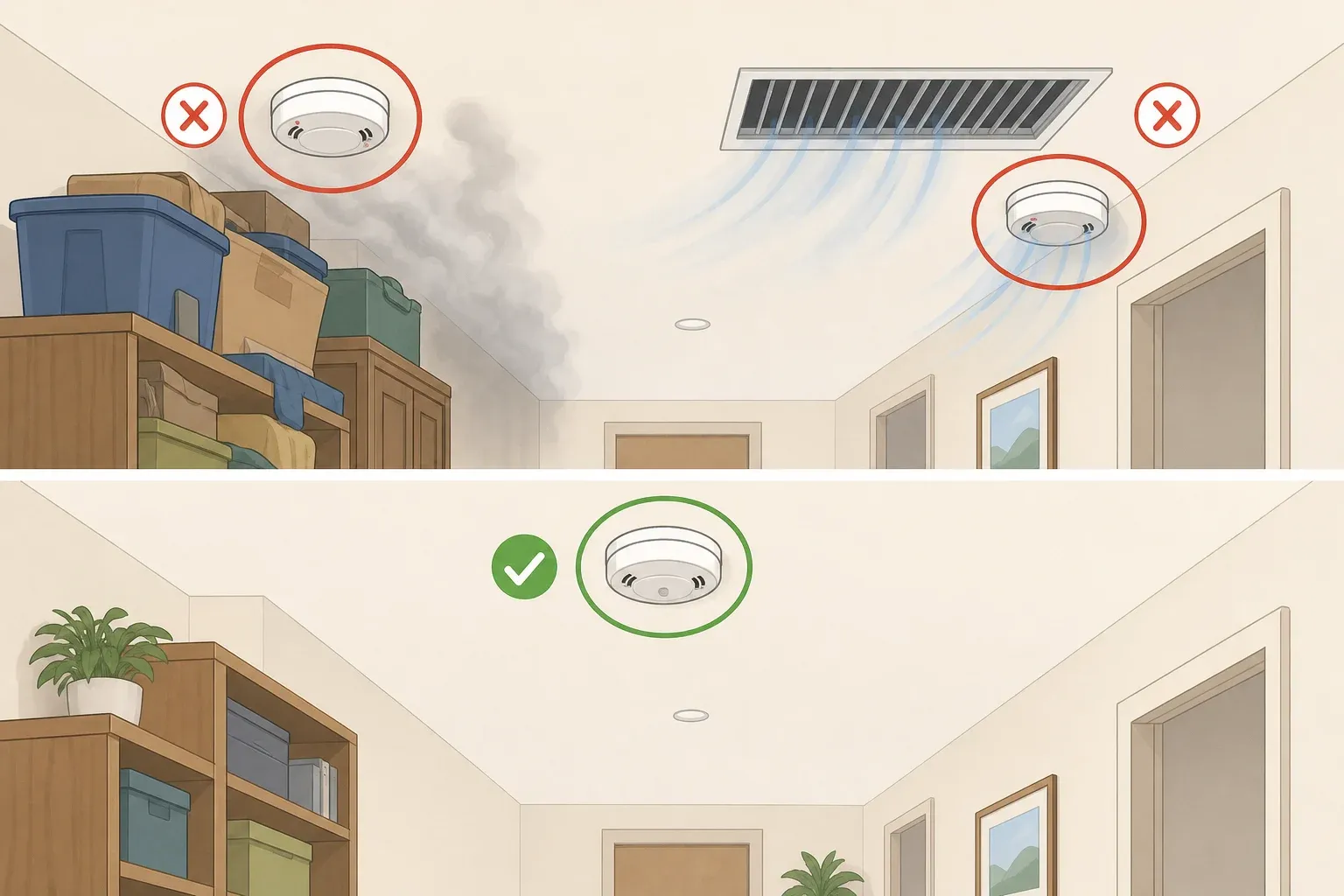
Install battery-operated CO detectors in your home before you ever need backup power.
Critical: This isn't optional—it's your last line of defense against invisible killer gas.
Setting Up Your Safe Zone
Measure exactly 20 feet from your house in all directions to find your generator placement zone.
Safety note: Always place the generator at least 20 feet from the house with the engine exhaust directed away from windows and doors.
Create a level platform using a concrete pad or wooden platform at least 4×4 feet.
Why this matters: Prevents tipping and keeps electrical components away from ground moisture.
Point the exhaust away from your house AND your neighbor's windows. Check wind direction—fumes drift farther than you think.
Weather Protection Setup
Build a three-sided rain shelter using plywood or buy a manufacturer-approved generator canopy.
Critical: Never cover a running generator with a tarp as this blocks ventilation.
Leave the fourth side completely open for airflow, positioned downwind from the exhaust.
Safety check: You should feel air moving freely on all sides when the unit runs.
Safe Fueling Process
Turn off the generator and wait 15 minutes for cooling before opening the fuel cap.
Fire prevention: Wait at least 10 minutes for cooling before opening the fuel cap. Hot engines can ignite fuel vapors.
Use only the manufacturer's recommended fuel type. It's illegal to use any fuel with more than 10% ethanol in outdoor power equipment.
Storage tip: Store gas only in approved containers and away from heat sources.
Refuel outdoors using a funnel to prevent spills, keeping the fuel container at least 10 feet from the generator during operation.
Power Connection Process
Start the generator first, then plug in appliances one at a time. It's best to plug appliances directly into the generator.
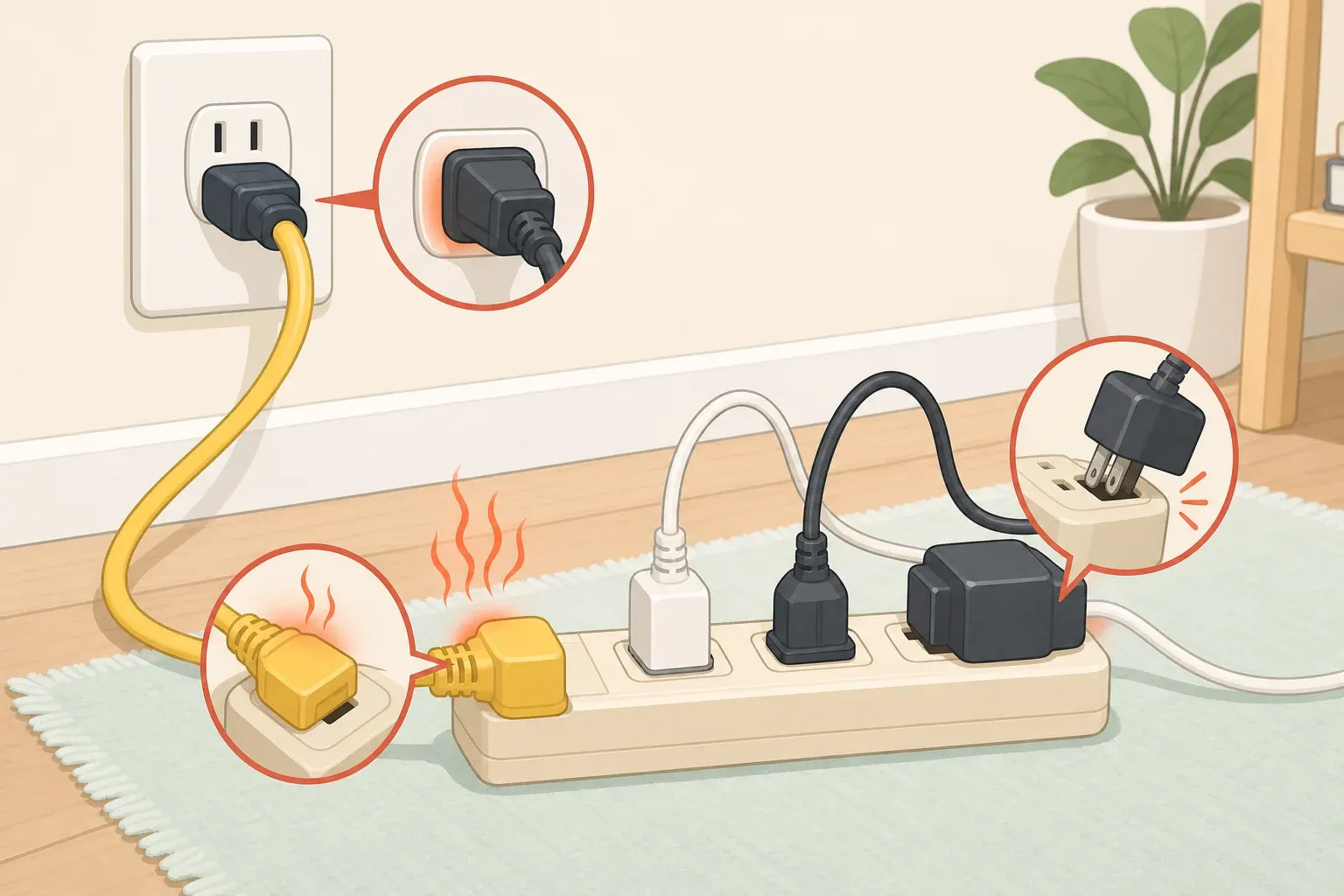
If using extension cords, choose heavy-duty outdoor-rated cords with all three prongs intact and rated at least equal to the sum of connected appliance loads.
Tip: 12 AWG cords handle most household needs safely.
NEVER plug the generator into a wall outlet. This dangerous practice called "backfeeding" can hurt utility workers and neighbors served by the same transformer.
When Power Returns
Turn off and unplug appliances one by one, then shut down the generator.
Why this sequence: Turn off and unplug every appliance connected to the generator before shutting it down to prevent power surges.
Let the generator cool completely before moving or storing it. Take this opportunity to clean and inspect it for any signs of wear or damage.
Cleanup & Storage
Store remaining fuel in approved containers in a well-ventilated area away from living spaces
Add fuel stabilizer to extend storage life beyond 30 days
Store the generator in a dry location, never with fuel inside your house
Troubleshooting
Generator won't start after storage: Check fuel quality and oil level → Replace stale fuel, check oil
CO detector sounds during operation: Move to fresh air immediately → Recheck placement and wind direction
Extension cord gets hot: Overloaded circuit → Use heavier gauge cord or reduce connected load
Generator runs but no power output: Circuit breaker tripped → Reset breaker, reduce load, restart sequence
Variations & Upgrades
Budget option: Use concrete blocks to create a platform (~$15 vs. $150 for poured pad)
Renter-friendly: Portable platform on wheels that stores flat against garage wall
Performance upgrade: Install a transfer switch ($500-1,500) for whole-house power without extension cords
Why It Works
The 20-foot rule: Carbon monoxide disperses safely at this distance under normal wind conditions, preventing dangerous buildup near living spaces.
Platform placement: Keeps electrical components dry and provides stable operation, preventing dangerous tipping or water contact.
Sequential startup: Gradual loading prevents overload damage and extends generator life while maintaining steady power output.
That's it—you're now equipped to use backup power safely through any storm. The key is preparation, proper placement, and never compromising on safety for convenience. When severe weather threatens, your generator becomes a lifeline—but only when operated correctly. Your family's safety is worth every precaution.

Comments
Be the first, drop a comment!