



Reviewed by: Y. Garcia
A completely black TV screen feels final. It usually isn't. In LCD-based televisions, the system that generates the image and the system that illuminates it are separate components; one can fail while the other continues to work. A flashlight and thirty seconds can tell you which situation you're in.
This guide covers LCD and LED-backlit flat-panel televisions, the technology found in the overwhelming majority of sets sold over the past two decades. Rtings.com, which conducts detailed panel-level analysis of consumer televisions, identifies the separation of light source and image layer as the defining architectural distinction between LCD and OLED designs.
OLED panels work differently: each pixel generates its own light, so backlight failure isn't a meaningful failure category for them. If you're unsure which type you have, check the product label on the back of the set before reading further.
The flashlight test: what it tells you
Before anything else, rule out the obvious. Wrong input selection, sleep mode, and a loose power cable can all produce a dark screen. Cycle through inputs, check for a status indicator light, and reseat the power cable. If the screen stays dark, keep reading.
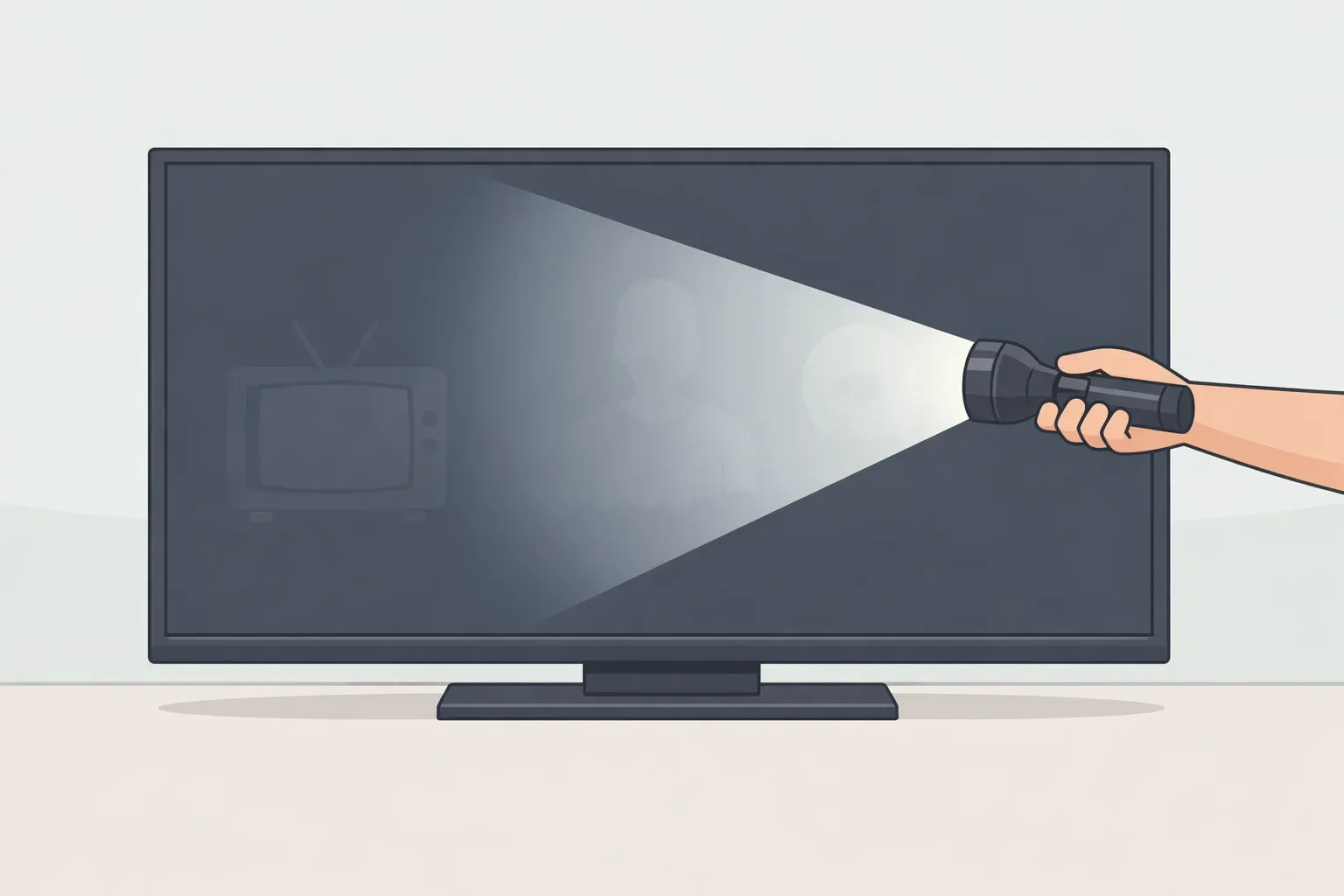
Power the television on and wait 45 to 60 seconds for it to finish its startup cycle. Dim the room, press a flashlight firmly against the screen at a slight angle, and look carefully for a faint, ghost-like version of whatever the TV should be displaying. iFixit identifies this as the standard first-step diagnostic for dark LCD screens: if the panel is receiving and processing a signal but has no light source behind it, a flashlight can substitute for the missing light and make the latent image visible.
Three possible results, and they point in very different directions.
Faint image visible. The LCD panel appears functional. The missing element is the light source behind it. This points toward the backlight system, either the LED strips or the driver board that powers them. It identifies which system has failed; it says nothing about whether the repair is affordable.
No image, no audio, no response. This pattern points to a broader failure of power or control rather than an isolated backlight strip failure. iFixit's repair guides flag this as the first branch point in LCD troubleshooting: professional diagnosis is the right next step, not further DIY investigation.
Set appears to power up, but the flashlight shows nothing. This is the result most likely to mislead, and it deserves its own treatment.
When the test result doesn't tell the whole story
The flashlight test is a strong diagnostic indicator, not a guarantee. Some failure patterns mimic backlight failure closely enough to send a repair in the wrong direction.
The most common trap: the television produces audio and responds to the remote, but the flashlight finds no image at all. iFixit notes this as a critical distinction in LCD troubleshooting documentation.
Some power supply failures cut power to the backlight while leaving the main board partially active, so the set appears to be working while the screen stays dark. Audio and indicator lights confirm the main board is alive; they don't confirm the backlight circuit is receiving power.
If the flashlight finds nothing despite apparent signs of life, the test is inconclusive. Possible causes include the main board, T-con board, panel, power supply, signal source, or backlight system; further diagnosis is required before replacing any parts.
A second pattern worth flagging: uneven dimming that resembles a picture setting. If brightness adjustments and a factory reset don't resolve it, and the dimming follows a consistent physical pattern always the same edge, always the same zone that's a symptom of localized strip failure, not calibration drift. The distinction matters because a technician who treats it as a settings issue starts looking in the wrong place.
Partial failures are actually more informative than a fully dark screen.
A dark band or uneven brightness can indicate a localized backlight or light-guide failure. A sharp horizontal or vertical black line may instead indicate a panel, ribbon connection, or display control fault.
The location of the dead zone already identifies which section has failed before anything is opened. Note the position and take a photo; any competent shop will ask for exactly that.
What the backlight system is, and where it breaks
An LCD panel doesn't produce its own light. Think of it like a stained-glass window: the glass shapes and colors what passes through it, but it needs a lamp behind it to be visible. That lamp is the backlight. When it fails, the panel itself remains intact and working, which is why the flashlight test works at all.
iFixit teardown documentation across hundreds of disassembled sets shows that most flat-panel televisions manufactured over roughly the past fifteen years use LED strips rather than the fluorescent tubes found in older displays. Those strips are arranged in one of two configurations. Perimeter-based backlights run strips along the edges of the screen, common in thinner and budget models. Distributed backlights spread strips across the entire back of the panel, more typical in mid-range and premium sets.
That configuration shapes the symptom. When a single strip in a perimeter-based design fails, it tends to create a distinct dark band along one edge rather than gradual overall dimming, which is part of why partial failure patterns are often recognizable and locatable before any disassembly.
Backlight failure originates in one of two places, and which one matters for the nature and cost of the repair. The LED strips themselves degrade from heat and accumulated hours of use, a pattern that iFixit's repair guides consistently identify across LCD troubleshooting documentation. Replacing them is a hardware swap: source the right strips for your model, disassemble, swap, reassemble.
The driver board the circuit that regulates and delivers power to those strips can also fail while the strips remain intact. Driver board repair may require component-level soldering or full board replacement, which raises both the skill threshold and the cost. Before a technician quotes a price, ask which component they believe has failed. Strip replacement and board replacement are not the same job.
From diagnosis to decision: four steps, in order
Work through these in sequence. The first three require no disassembly.
Step 1: confirm what broke.
The flashlight result sets the path. Faint image visible: the panel appears functional, and this repair is worth getting a quote on. No image, no audio, no response: get a professional assessment before spending anything; this is not a backlight problem. Partial failure with a visible dark zone: still a backlight problem, and the location already narrows the repair before anyone opens the set.
Step 2: collect your model number and symptom description.
Your model number is printed on a label on the back of the set. Your symptom description is: whether the screen is fully dark or partially dark, where any dark zones are, and what the flashlight found. Take a photo of any partial failure. These are the first two things any competent shop will ask for. Having them ready also signals to a technician that the diagnosis you've already done deserves to be taken seriously.
Step 3: check parts availability before calling anyone.
Search your model number alongside "backlight strips" or "backlight kit" on electronics parts suppliers and general parts marketplaces. Also search your model on iFixit for repairability scores and existing disassembly guides. These reflect what owners of your exact set encountered when they opened it, more useful than any general statement about difficulty. If parts for your model aren't available, the repair is likely impractical regardless of what labor would cost. Parts availability is the first practical question to answer, not an afterthought.
Step 4: get a written quote, then compare it against replacement cost.
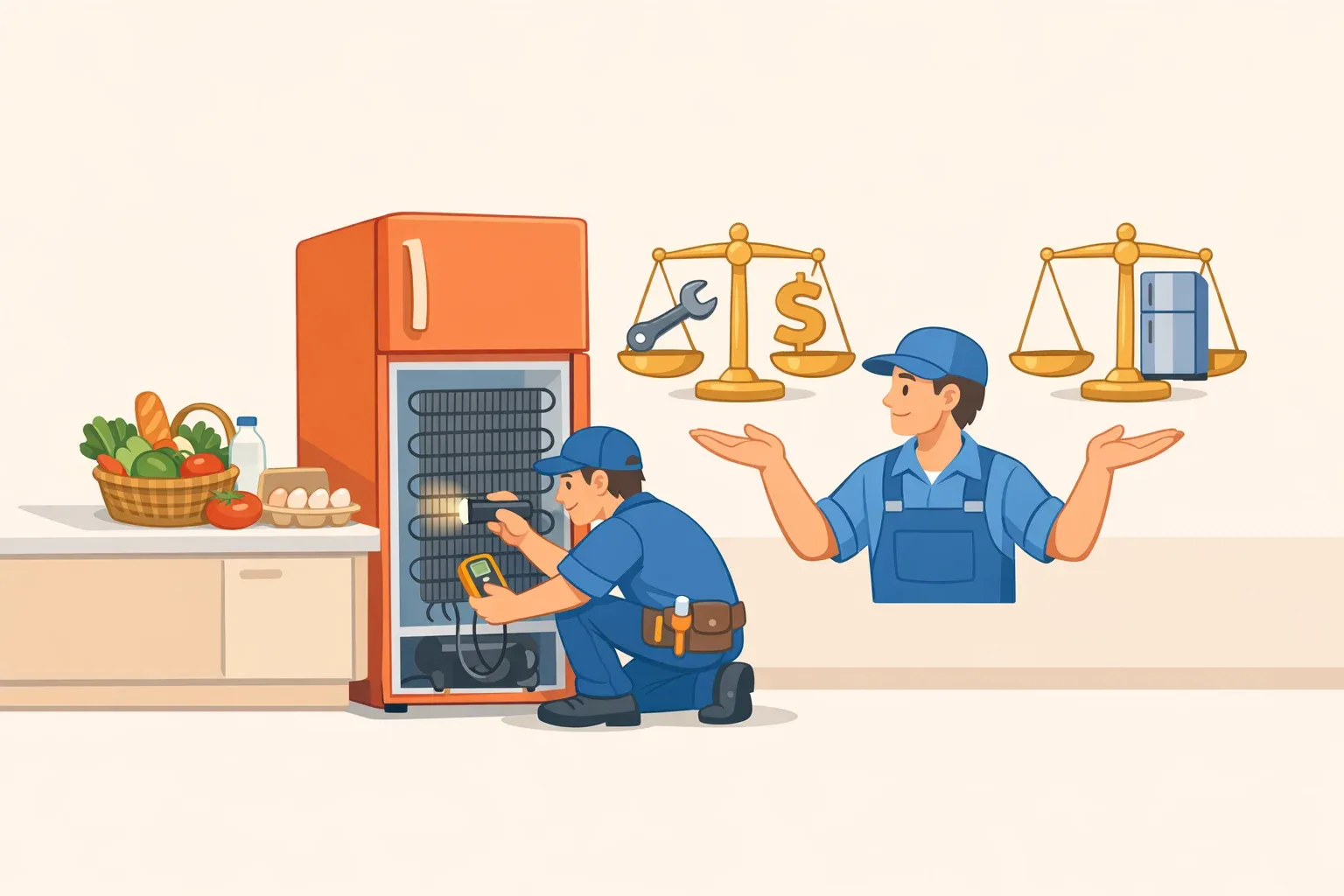
Call a shop with your model number and symptom pattern ready. Ask two questions before authorizing anything: is the suspected failure in the strips or the driver board, and are replacement parts confirmed available or still being sourced? A quote based on an uncertain parts search can change after the set has already been disassembled. Get the final number in writing, then compare it against what a comparable replacement costs today. That comparison is the actual decision; there's no universal threshold that substitutes for running the real numbers on your specific set.
A firm note on disassembly. Everything through step three involves no disassembly and no risk. DIY strip replacement is a different undertaking: removing the back panel, separating the screen assembly from the chassis, disconnecting fragile ribbon cable connectors, peeling up adhesive-mounted strips. iFixit's repairability scores for televisions reflect not electronic complexity but the unforgiving nature of physical disassembly. Without plastic pry tools and a model-specific guide, cracking the panel is a genuine risk.
Don't open the set unless you have a confirmed parts source, a guide for your exact model, and the intention to follow through. Stopping partway through a television teardown is not a safe place to reconsider.
What to take into that shop conversation
Two resources provide model-specific information this guide can't. iFixit has free illustrated disassembly guides and repairability scores for hundreds of television models. Check your model number there before you talk to anyone, and you'll know what technicians have already run into. Parts suppliers indexed by model number let you confirm availability and get a realistic sense of parts cost before the shop adds their markup.
When you call a shop, bring your model number, your photo, and the flashlight result. Then listen for two things in the technician's response.
First, do they distinguish between strip failure and driver board failure before quoting? A shop that quotes a flat "backlight repair" price without knowing which component has failed hasn't actually diagnosed the problem yet.
Second, do they confirm parts availability before committing to a price? If the answer to either question is vague, ask again or find another shop. A clear answer to both means you're getting a real diagnosis, not an estimate built on guesswork.
A dark screen is not a dead television. The flashlight test costs nothing and takes thirty seconds, and the answer it gives changes the entire conversation that follows.





Comments
Be the first, drop a comment!