



Plug-In Solar Panels Legal States: How to Check Your Address
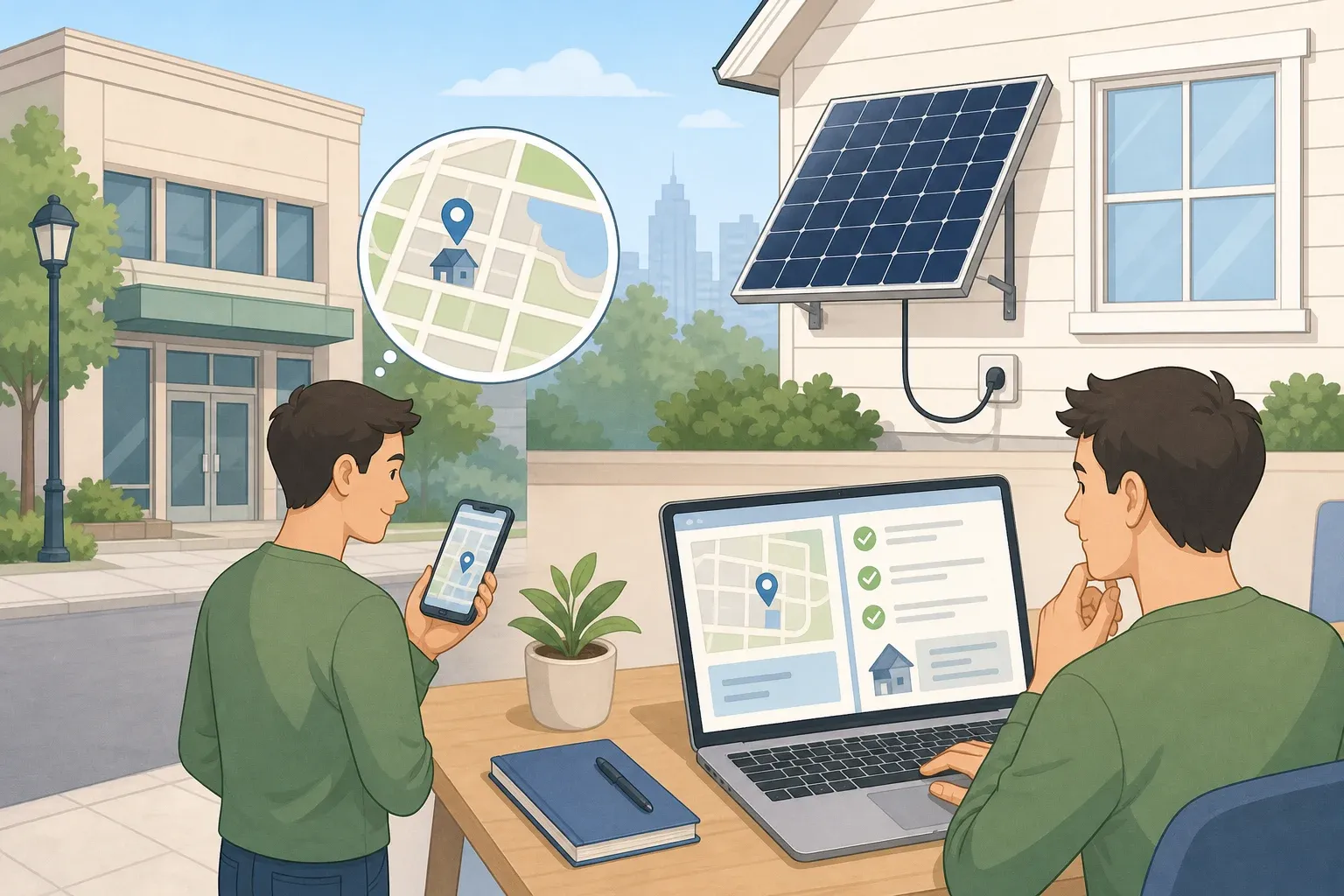
Search "plug-in solar panels legal states" and the honest answer is that there's no single list to check. Whether an outlet-connected, or "balcony," solar panel is allowed where you live comes down to three things, each controlled by a different authority: your utility's interconnection requirements, your local authority having jurisdiction's permitting and code enforcement, and your landlord or HOA's private property rules, all of it subject to whatever your state law says on top. Use these three checks to figure out what actually applies at your address rather than hunting for a map with a yes or no printed on it.
Your utility handles the interconnection and service side of this question. Your local authority having jurisdiction, whatever that office is called where you live, handles adopted codes and permits. Neither one is guaranteed to be a "building department" by name, and either may point you toward a different office entirely, so ask who handles small or renewable generation if the first person you reach doesn't know.
Checking these three is something most homeowners and renters can do with a laptop, a phone, and the documents listed below. Renters should loop in a landlord or property manager early, since property approval is one of the three checks and you won't have standing to get it yourself. Actually wiring a panel into a breaker panel, running a new circuit, or arguing code compliance with an inspector is different work, and it belongs to a licensed electrician or your local permitting office.
This guide sets one evidence standard throughout: a status counts as confirmed when you have something specific in writing, not a sales page, a forum post, or an assumption that "no law against it" means yes. Utilities set their own interconnection rules for small, inverter-based systems independent of state law, which is exactly why a product's legality can't be settled without a direct call to your provider.
What you'll need before you start checking
- Your utility account number and a recent electric bill
- The manufacturer's manual or spec sheet for your exact panel and inverter model
- A copy of your lease, HOA bylaws, or condo association rules
- Time for two or three calls or emails, plus follow-up if someone needs to check and get back to you
- A notebook or document to log what each contact tells you, in writing
With those in hand, work through the checks in order. Getting your product category straight and getting answers in writing before you run the savings math is what keeps you from buying something you can't legally connect.
Step 1: Confirm what kind of product you actually have
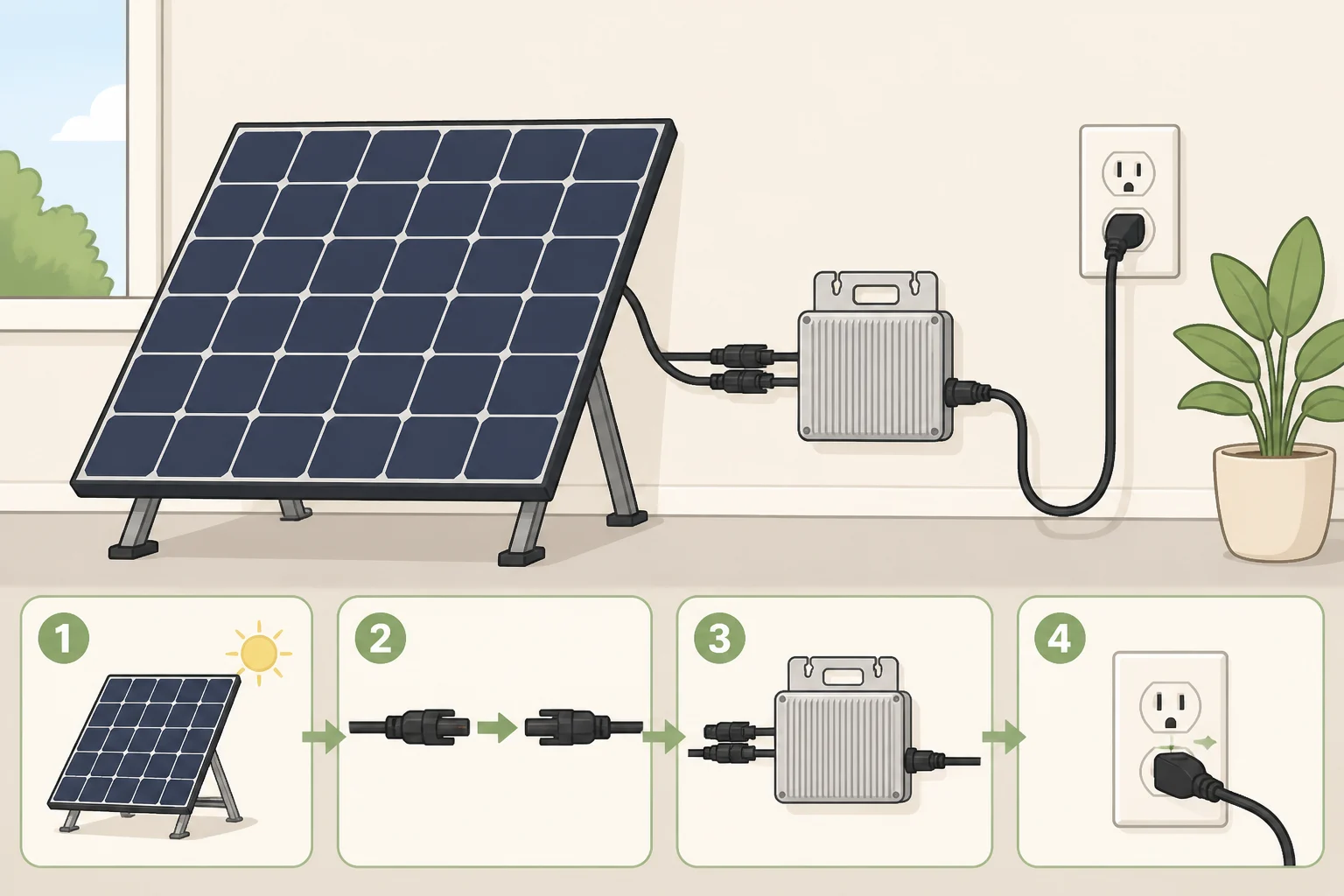
This guide covers one category of device, defined for this article's purposes: a panel or small array built around a microinverter designed to plug into a standard outlet and feed AC power directly into your home's wiring for immediate use. No battery, no new circuit, no connection inside the breaker panel. That's this guide's scope, not a universal definition of "balcony solar," so check your own product's documentation before assuming it fits.
Anything that requires wiring at the breaker panel falls outside that scope. The DOE's Solar Energy Guide for Homebuilders advises that construction professionals without solar certification shouldn't perform any part of a solar installation. That guidance is aimed at builders working on full rooftop systems, not homeowners plugging in a small panel, but it's a useful line to apply the moment a "plug-in" product turns out to need hardwiring: stop, and bring in a qualified electrician or solar professional authorized for the work in your jurisdiction.
Battery-paired systems are excluded too. The DOE's Consumer's Guide to Buying a House with Solar Panels notes that more homeowners are pairing solar with storage, but that's a separate product category with its own approval requirements and costs, not covered here.
Pull up your product's manual and confirm, in writing from the manufacturer if possible, whether it's a simple outlet-connected microinverter unit or something that needs panel-level wiring or a dedicated circuit. Marketing copy reading "plug-and-play" proves nothing on its own; the spec sheet is what you check.
Are balcony solar panels legal in your state and building? Run the three-part check
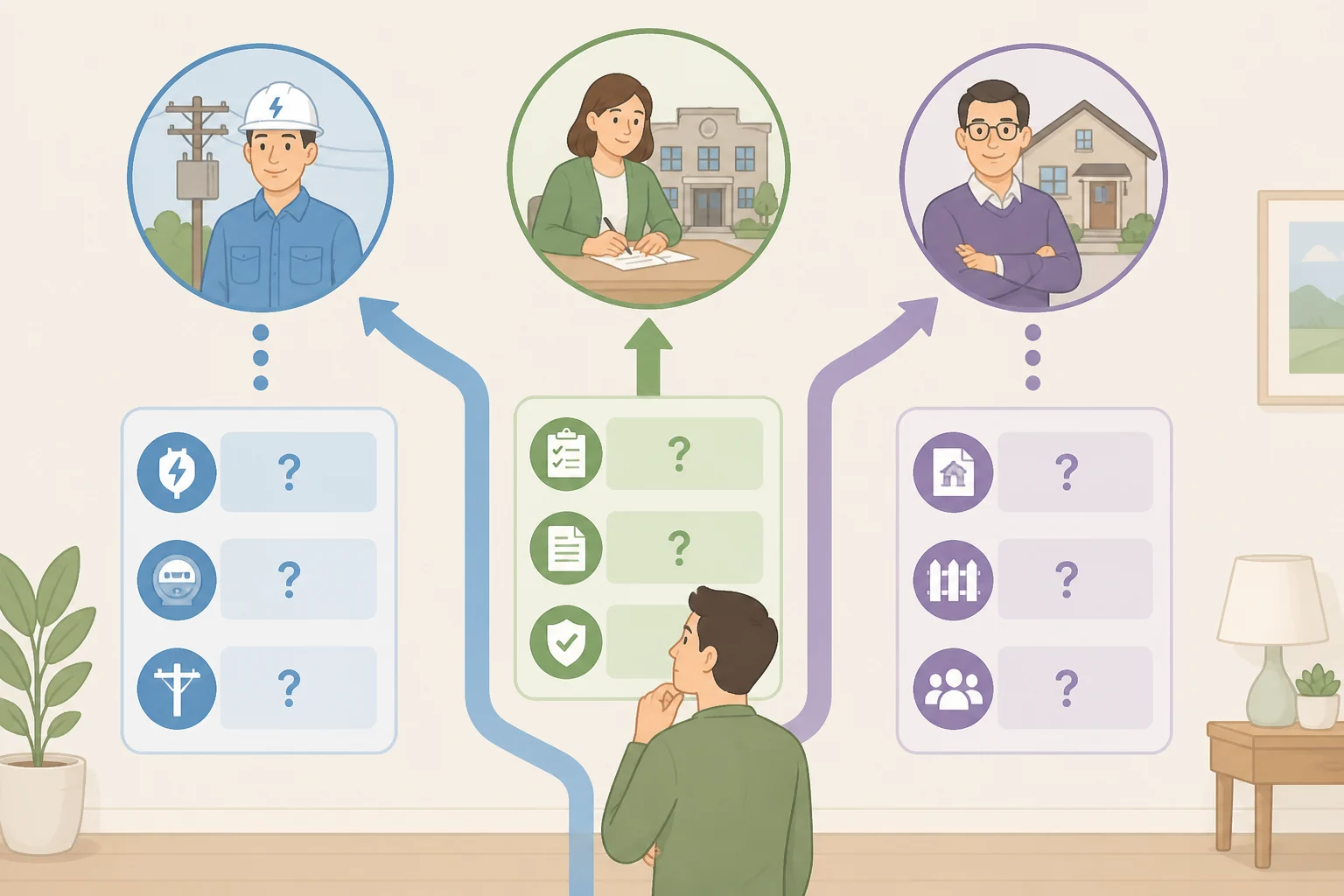
Use these three checks to identify the rules that apply at your address. The utility controls interconnection requirements, the local authority having jurisdiction controls permitting and code enforcement, and a landlord or HOA controls private property permissions, subject to applicable state law. A favorable answer from one doesn't necessarily clear the other two, so work through all three before you buy or connect anything.
Start with your state's listing on DSIRE, which the DOE's Consumer's Guide calls the most thorough source of renewable-energy incentive and policy information in the country. Use it to get oriented on your state's policies, then verify your actual utility's contact information on the utility's own website. DSIRE is a research starting point, and it won't address plug-in devices by name.
| Who to contact | What to ask | Best evidence to keep | Treat as unresolved if |
|---|---|---|---|
| Your utility | Requirements for small inverter-based or outlet-connected systems, including any application, notification, or capacity limit, if applicable | A written response describing their specific policy or process (requirements vary by utility) | They give a verbal answer only, or say the question has never come up |
| Your local authority having jurisdiction | Whether a plug-in solar device needs a permit or inspection where you live | A permit record, inspection approval, or written determination (requirements vary by jurisdiction) | The office says "the code doesn't mention it" and stops there |
| Your landlord, HOA, or condo board | Written approval for your exact mounting method, not solar in general | Written approval referencing the specific mount, location, and equipment | A general "solar's fine" comment with no reference to your actual setup |
The utility may use different terminology for this process than you expect: an interconnection agreement, a net-metering application, a small-generator notification. Ask the rep to describe their own process rather than expecting it to match a term you read online. A representative who can't address inverter-connected systems isn't necessarily saying no; they may just need to escalate to whoever handles small or emerging-technology interconnections.
If the honest answer is that your utility has no policy either way, get that in writing too, and treat it as unresolved rather than permission, not as a guarantee the rules won't shift by the time you're ready to connect.
Property restrictions sit apart from the electrical answers entirely. A utility that allows the device and a code office that skips a permit still don't override a private lease clause or HOA rule on exterior-facing equipment or balcony railings. A railing-clamped or facade-mounted install may trigger a separate structural or fire-safety review from a landlord or board even after the electrical side clears, so ask about your specific mounting method rather than assuming a general solar policy covers it.
Save each response in writing as you go. Move to the next step only once you know what the utility, the local authority, and your property each actually require; a missing or vague answer on any of them means you're not ready to connect yet.
Match your equipment and site to what you confirmed
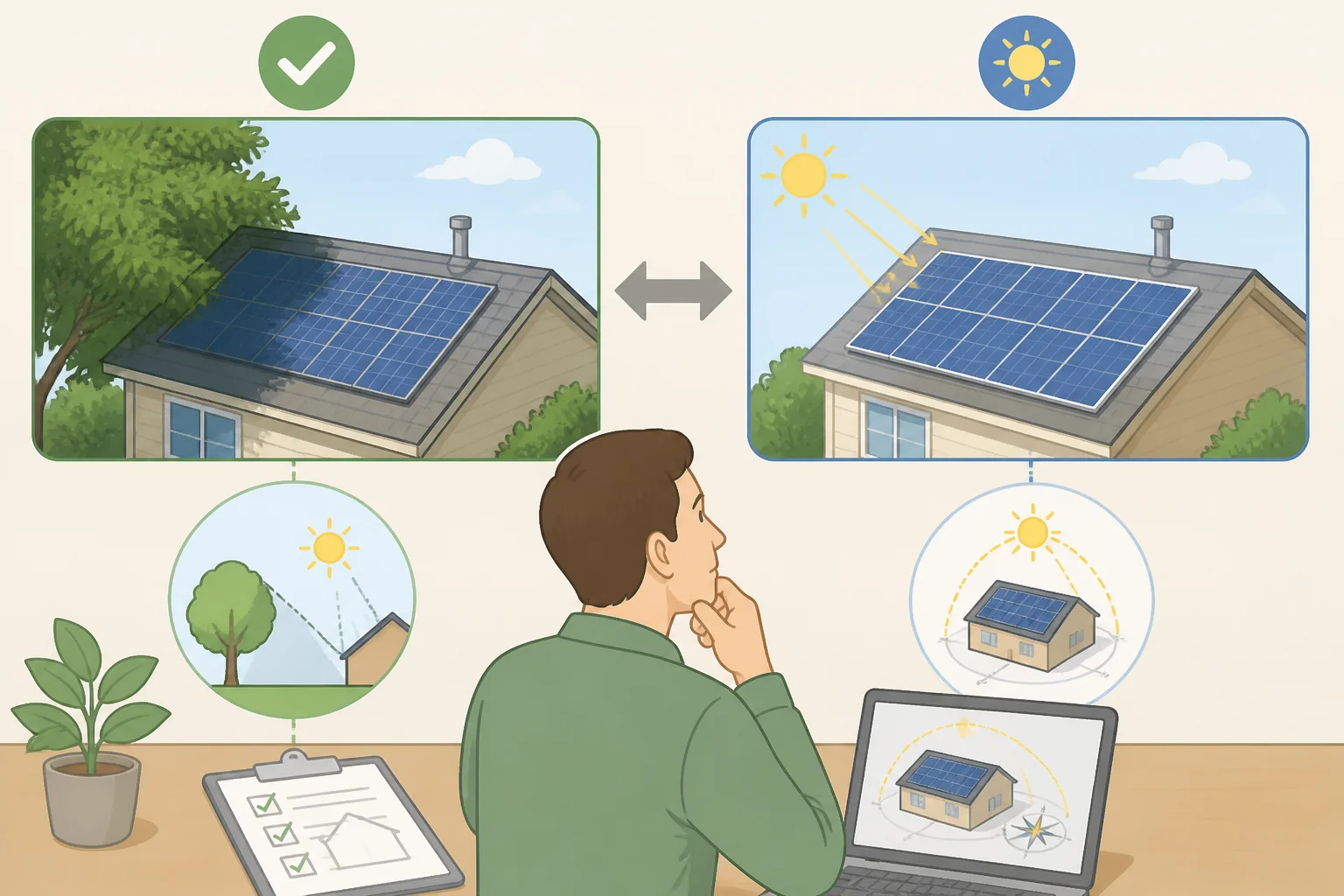
Pull the manufacturer's documentation for your specific product: rated output, required outlet type, any interconnection or safety certification listed, and its stated expected annual output. Treat those figures as claims to verify, not settled facts; the next section checks the output number against an independent source.
Ask the manufacturer directly whether the inverter includes anti-islanding or automatic shutoff, a safety feature on some grid-tied inverters that disconnects the device during a power outage. Check the product manual and the certification documents the manufacturer identifies; if the manufacturer can't point you to the applicable certification or connection method, don't install it.
This guide's standard is simple: don't connect anything unless the manufacturer can name the specific certification and connection method it was tested under, and follow the installation instructions exactly as written. A device without that documentation isn't one to plug in on a guess.
Site conditions still matter at small scale. The DOE's homebuilder guide notes that solar performs best unshaded and south-facing with a 15- to 40-degree tilt, and that orientations between southeast and southwest can work reasonably well too, though that guidance is written for rooftops rather than balconies or facades. A shaded, north-facing, or heavily obstructed spot will likely underperform those figures, and the only way to know how much for your exact location is to model it rather than guess.
If setup at any point requires opening a breaker panel, running new wiring, drilling into a structural element, or hardwiring the device, stop. That work sits outside ordinary plug-in scope no matter what the packaging implies, and it calls for a licensed electrician or your utility.
Can plug-in solar panels save money? Run the numbers yourself
Don't take the manufacturer's annual-output number at face value. Cross-check it against a solar-production calculator or local solar-resource data for your address, adjusting down for shade, obstructions, or a less-than-ideal orientation based on what you found in the previous step.
Once you have a realistic range, the formula for annual savings is:
(self-consumed kWh × your retail rate per kWh) + (exported kWh × your utility's export credit rate) = annual savings
Here's a hypothetical example, not a typical or promised result. Say a manufacturer claims 500 kWh a year, and after cross-checking against independent data your realistic range runs from 350 kWh low to 650 kWh high. For this example only, assume your household uses every watt as it's generated, a scenario called 100% self-consumption, and your retail rate is $0.15 per kWh; check your own bill for your actual rate, since it varies by location.
- Low: 350 kWh × $0.15 = $52.50 a year
- Mid: 500 kWh × $0.15 = $75 a year
- High: 650 kWh × $0.15 = $97.50 a year
For the cost side, add mounting hardware, permit fees, and installation help to the device price; the sticker price alone isn't the real cost. Say that all-in total comes to $400 for this example. Simple payback runs about 7.6 years at the low estimate, 5.3 years at the mid estimate, and 4.1 years at the high estimate, before factoring in maintenance, financing, taxes, or replacement.
That math isn't meaningful yet, though. You still need two numbers from the earlier steps: your utility's actual export credit rate, and your realistic self-consumption share. If output gets exported instead of used immediately, real payback stretches out unless the export credit comes close to retail. For replacement costs down the line, check the manufacturer's warranty and stated product lifespan rather than guessing at a maintenance allowance.
To estimate your real self-consumption share, compare your household's typical daytime occupancy and usage hours against the panel's generating hours. More time home during daylight generally means more output gets used immediately, though what matters most is whether you're actually running appliances during those hours, not just whether someone's physically home.
A few things shrink real-world savings further. Check your own tariff for which charges are usage-based and which are flat monthly fees that no amount of solar output reduces; this varies by utility and isn't something to assume either way. Panels also degrade gradually: the DOE's homebuilder guide notes that modules are expected to produce more than 80% of their original output through 25 years of service, a long-term expectation rather than a guarantee for any single unit.
Keep whole-home rooftop numbers out of this math entirely. The DOE's homebuilder guide ties full rooftop solar to lower electricity bills and lifetime savings that can exceed the added upfront cost of a home, but that reflects a professionally installed array sized to a household's total usage, not a single outlet-connected panel. One number shouldn't borrow credibility from the other.
Connect, monitor, and know when to stop
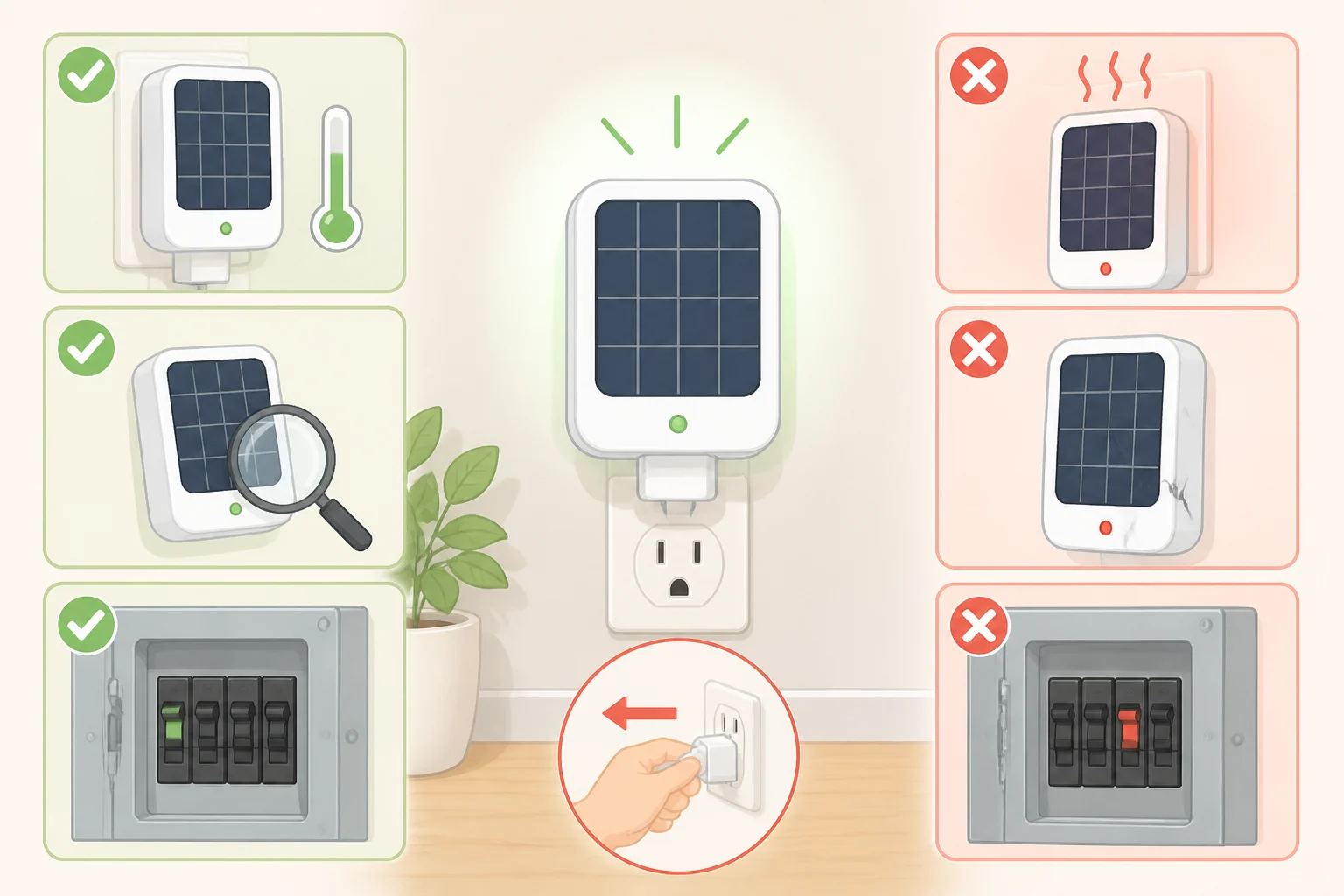
Once all three approvals check out and your product's documentation matches your site, follow the manufacturer's installation instructions step by step. Plug it in only the way the manual describes, into the outlet type specified, and don't improvise a connection method the documentation doesn't cover.
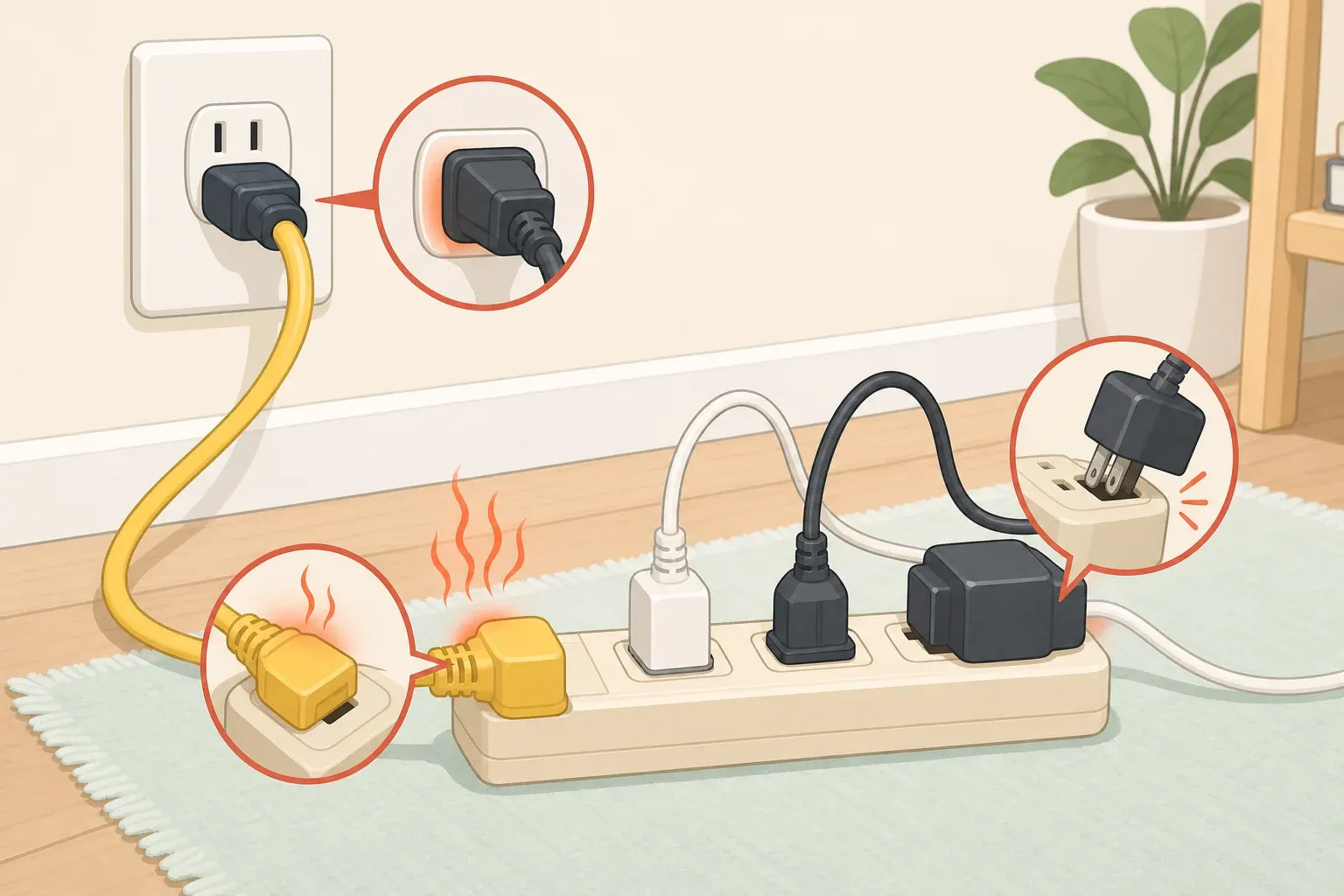
After plugging in, inspect the outlet, cord, and plug visually a few minutes in and again after it's run for a while, following whatever inspection steps the manual specifies. If the cord, plug, or outlet feels hot, looks damaged or discolored, or smells like burning, or if a breaker trips or lights flicker, stop using the device immediately. Cut power at the breaker only if you can safely reach it; otherwise unplug the device and have an electrician check it before using it again.
Track your electricity use over several billing cycles rather than expecting a visible change right away. A single small panel's effect on a monthly bill can be hard to separate from normal variation, so look at a few months of data or use the inverter's own production reading if it has one.
A plug-in panel offsets a slice of daytime electricity use under normal grid conditions, nothing more. Rooftop systems paired with battery storage can keep generating and supplying power during an outage, per the DOE's homebuilder guide, but that's a different setup with different equipment; a basic plug-in panel without islanding-capable gear and storage shouldn't be relied on to do the same, and it isn't a substitute for full rooftop economics either.
Use this as your finish line:
- Buy or connect once every applicable authority has confirmed the requirements and your product's documentation matches what you need.
- Pause if any answer is still unclear, the product's certification doesn't check out, or property approval is missing.
- Stop and escalate immediately at any sign of heat, damage, a burning smell, a tripped breaker, flickering, or a utility notice about an unauthorized connection.
After a move, a utility change, or a change in property ownership, repeat the check before reconnecting anywhere new. The rules and permissions that applied at your old address may not carry over to the new one.


Comments
Be the first, drop a comment!